PACKAGE INCLUDED:
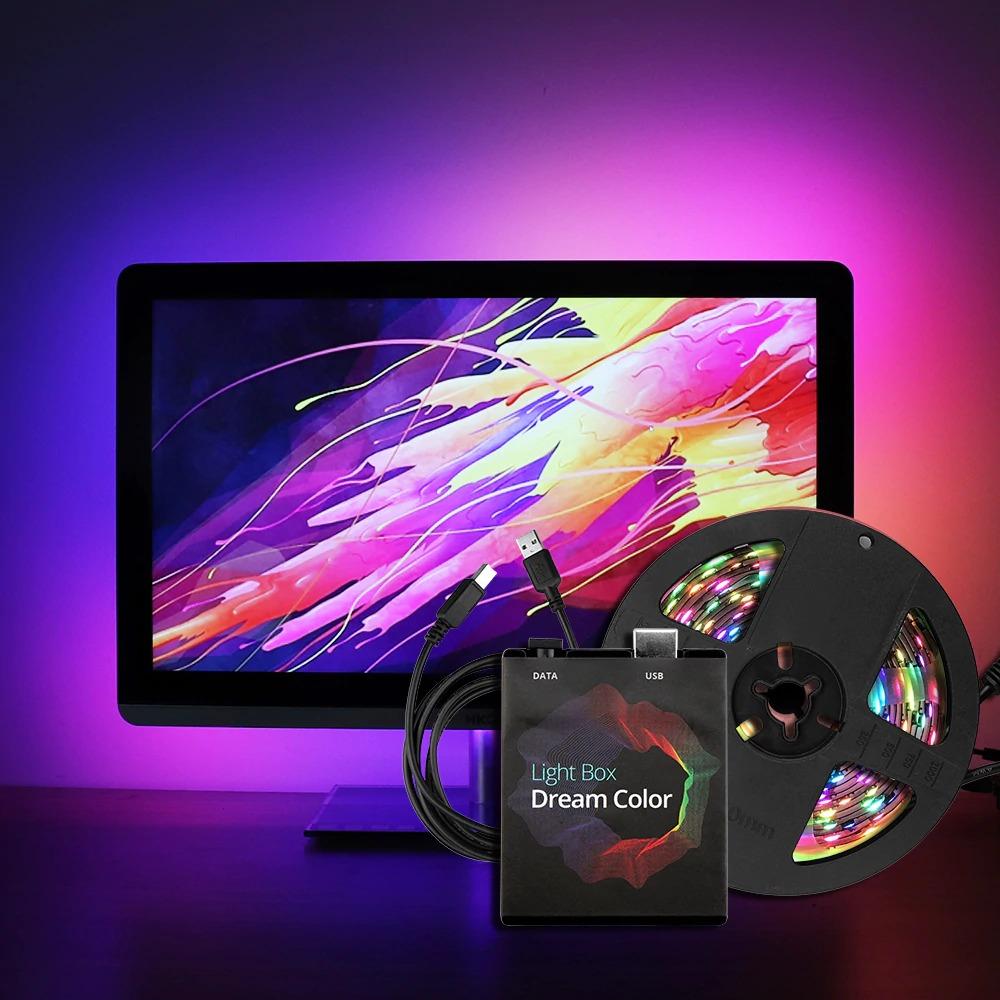
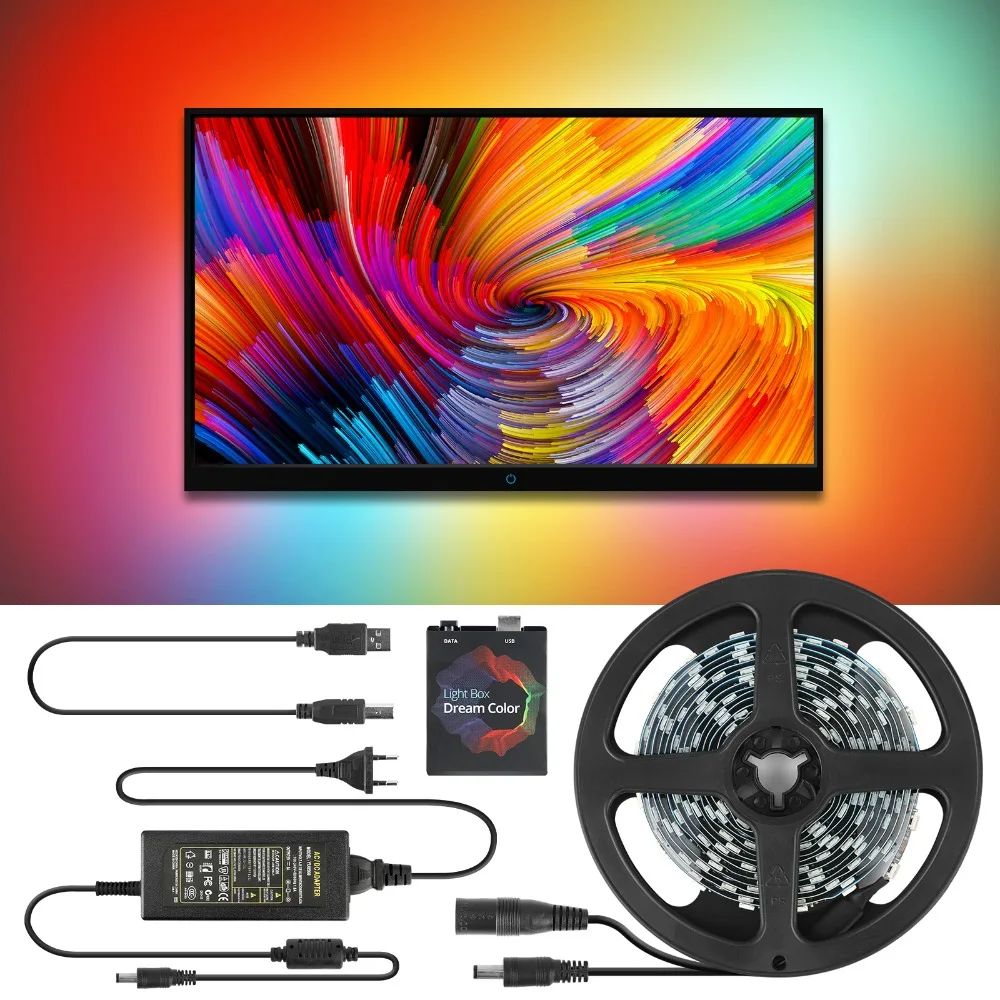
- 1) Dream color light box.
- 2) USB cable.
- 3) LED Strip.
- 4) Power adapter 5V EU/US Plug.
NOTE:
- This item could Not support to work FOR LG or Samsung TV, because they are Not Android system TV. Please check if you TV can download “AAA (Android Ambi Light Application)”APP(Third party payment software)before purchasing.
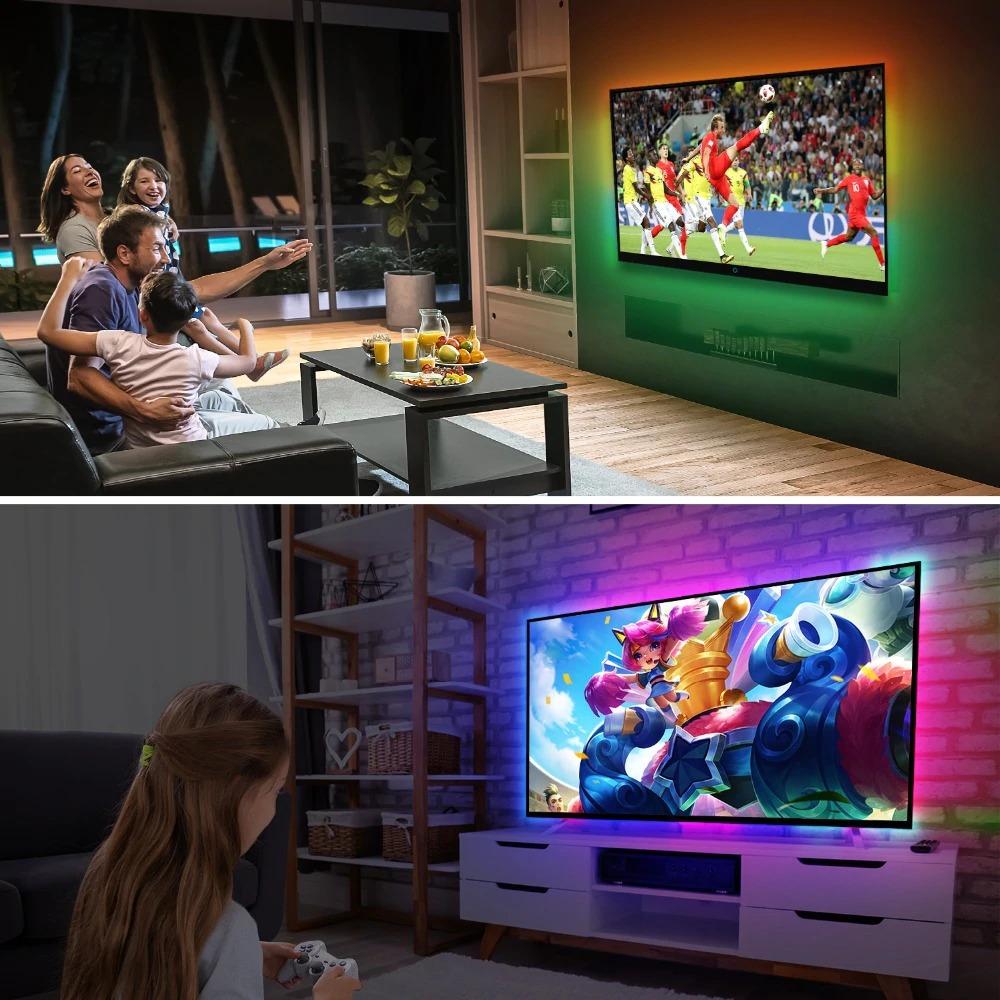
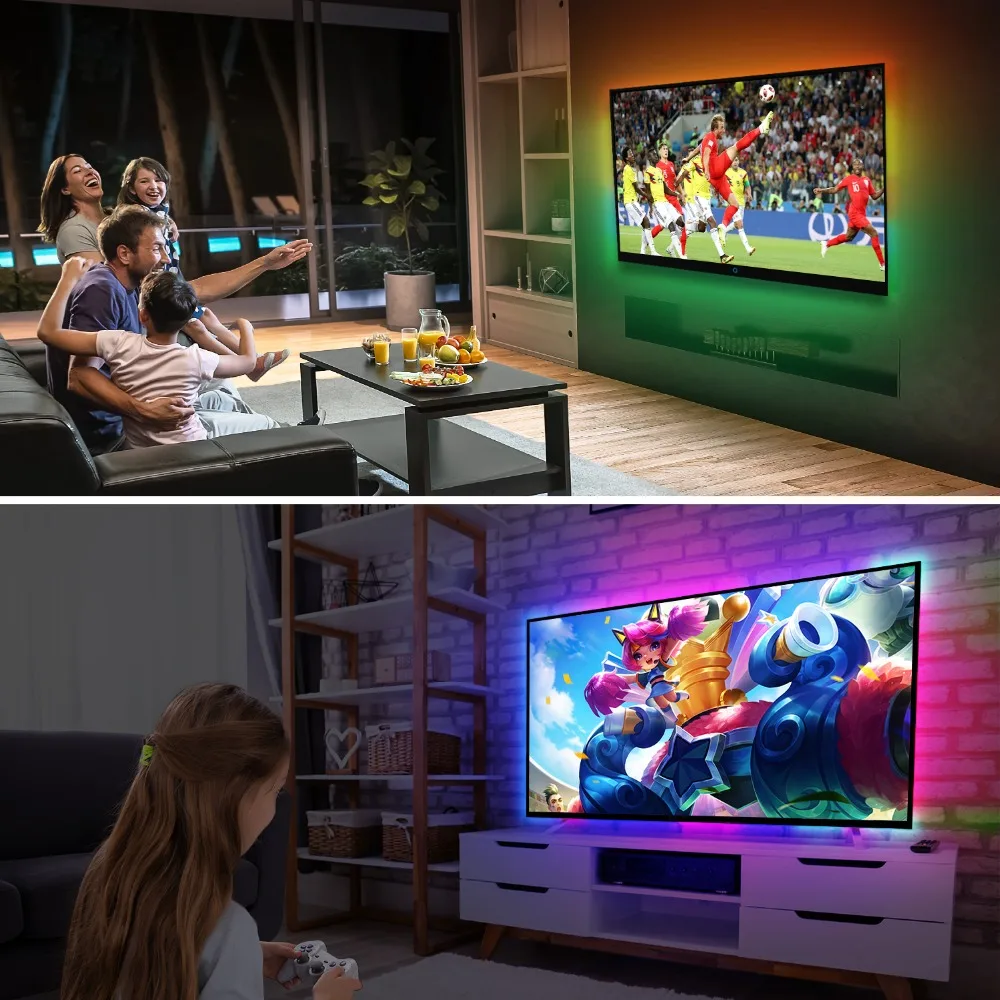
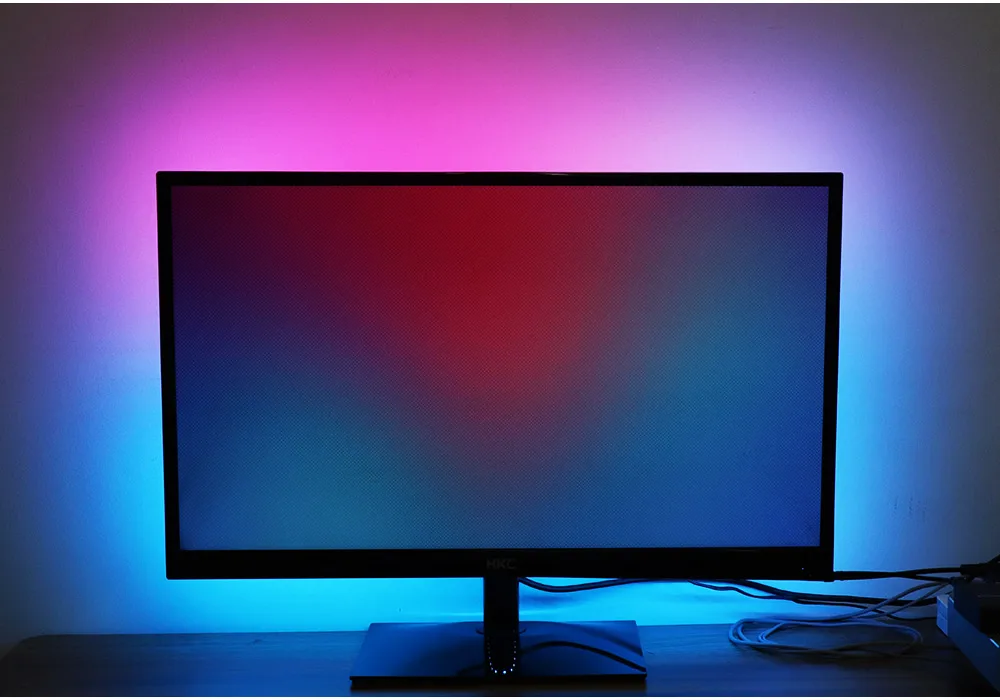
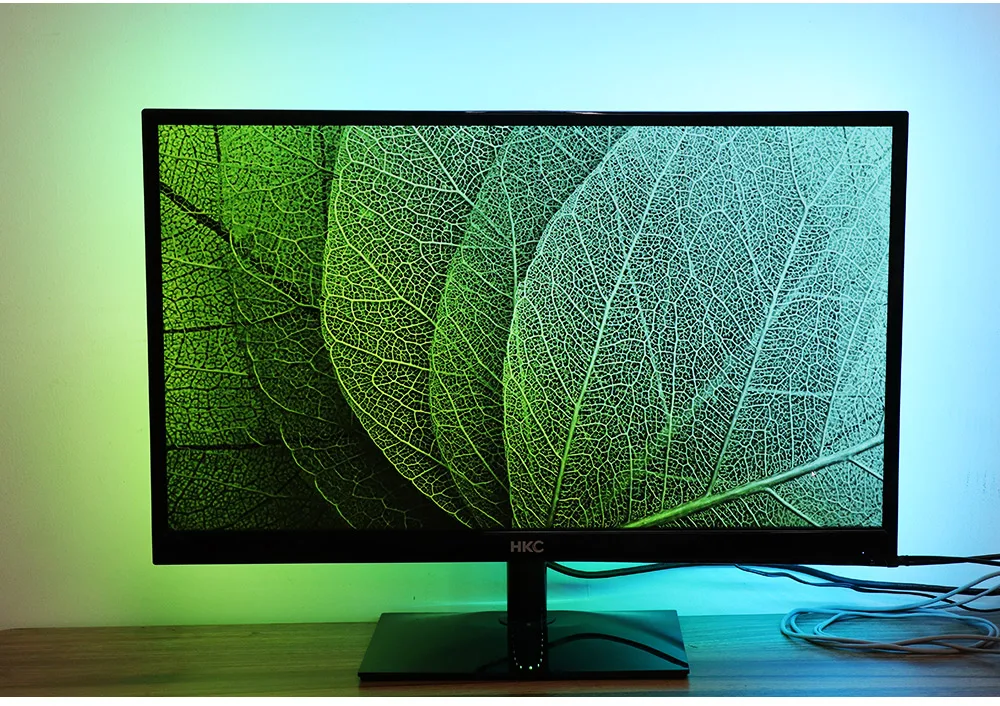
- Ambi Light Kit adds ambient backlight effects to Computer or laptop compliment on-screen video content. An Ambi Light Kit dynamically adjusts elements such as color and brightness to create a more immersive multimedia experience.
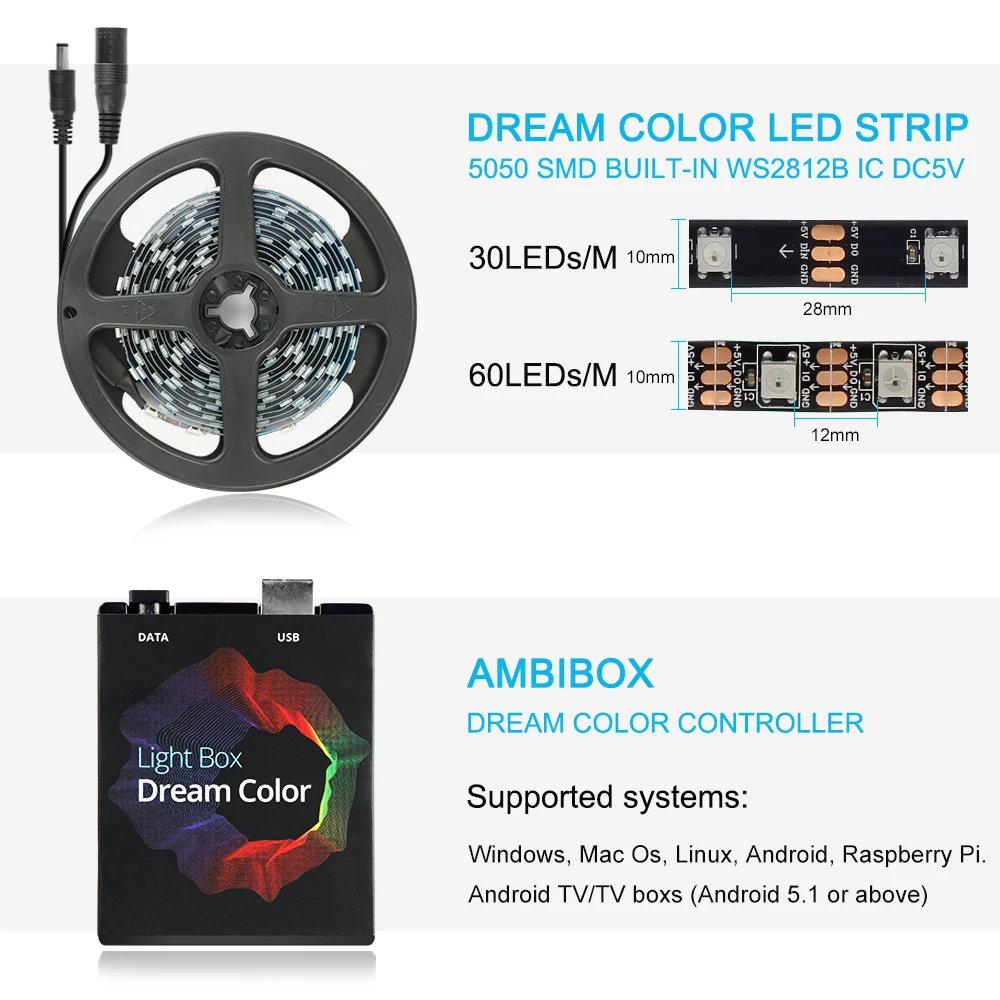
AMBIBOX:
THE LIGHTING FEATURES:
- Color balance setting for each LED strip separately.
- Individual adjustable capture area for each LED strip.
- Overall average color for all areas calculation mode.
- Permanent backlight (lamp) mode.
- Capture from video.
- Capture from games (GDI, DirectX 10/11)
- Support max 300LEDs.
WHAT SOFTWARE IS NEEDED?
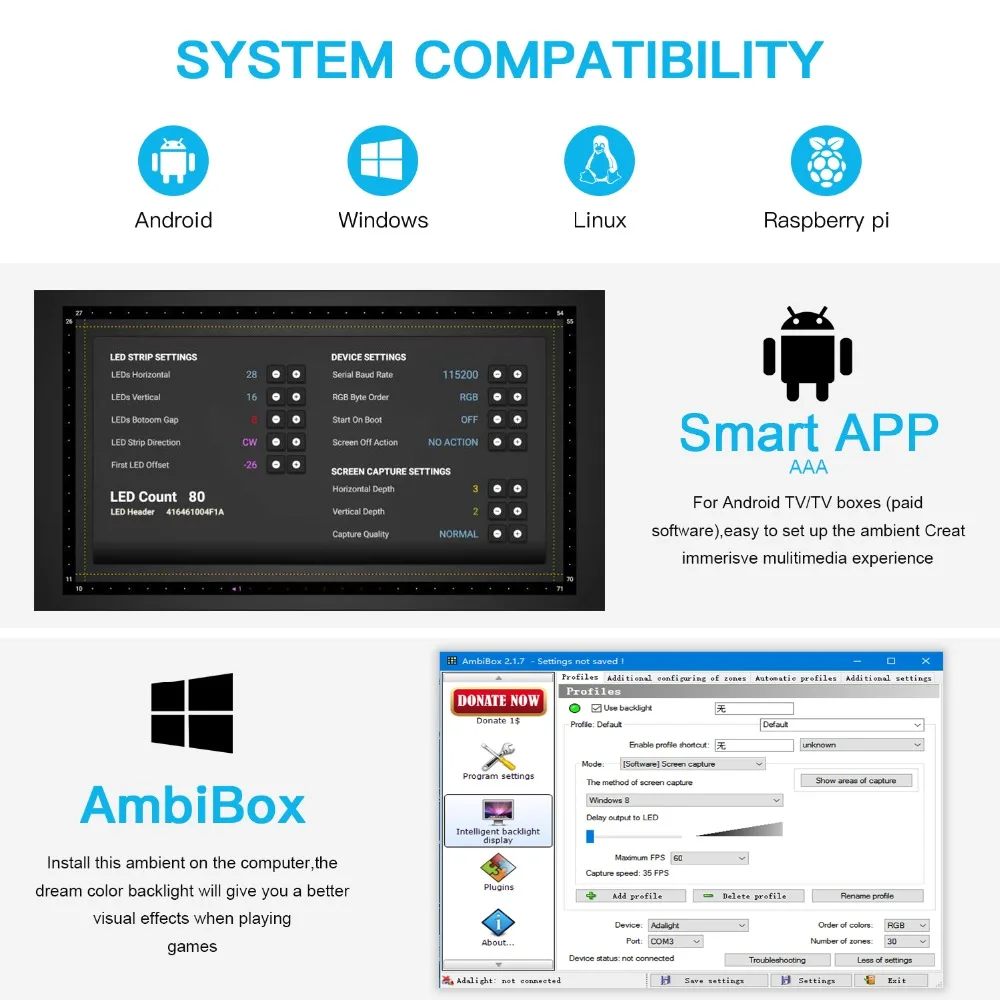
- Windows: Ambibox or Prismatik.
- Download link: ambibox.ru/en.
- Mac Os/Linux: Prismatik.
- Raspberry Pi: Openelec/libreelec+Hyperion.
- Android TV/TV boxs (except Xiaomi brand) (Android 5.1 to 9.0 version): Android Ambi Light Application (Third-party payment software)
NOTE:
- The picture from the TV tuner is not processed at the Android OS level, the backlight with regular tv channels will not work. The backlight works only in Android OS applications that do not use protected content. 4K performance depends only on the capabilities of the equipment. Unfortunately, programs such as YouTube and Netflix use protected content, the backlight in such programs will not work.
HOW TO INSTALL?
ATTENTION:
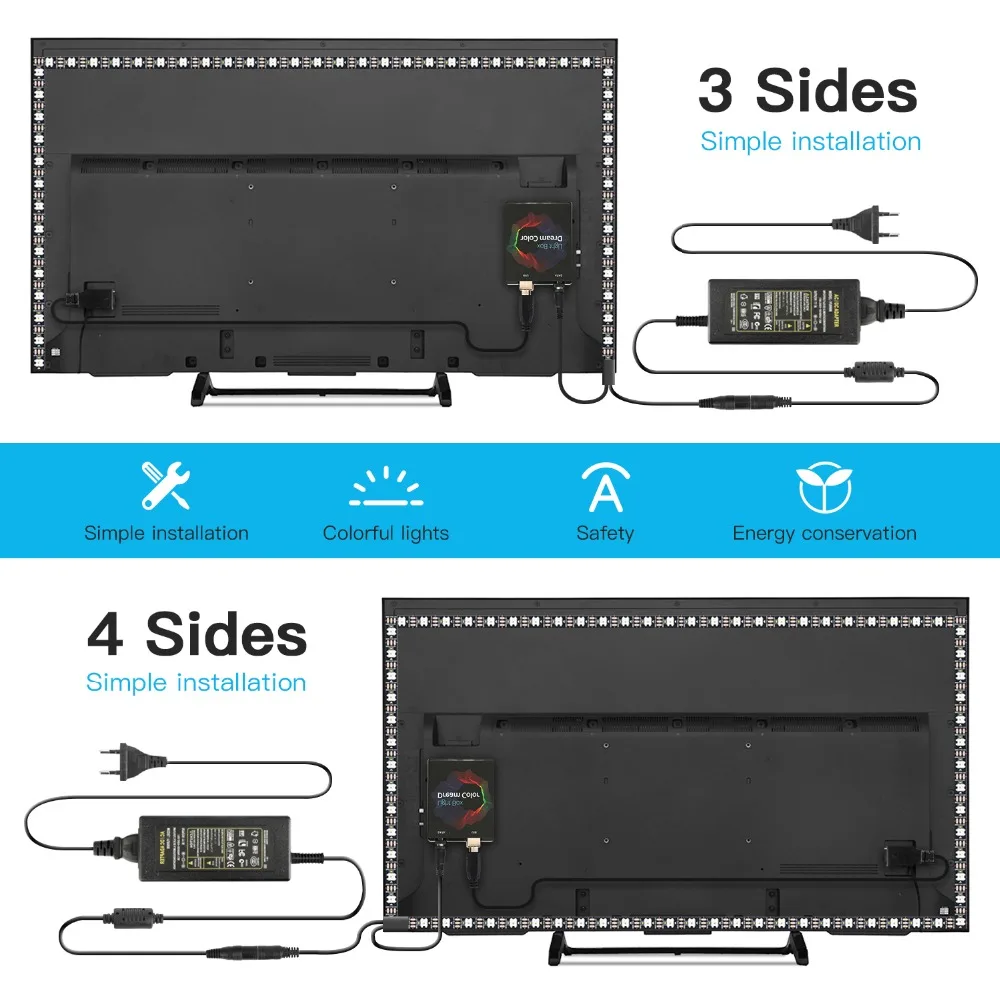
- The led strip only work properly after installation on TV or PC. If only few led light up. It’s not a quality problem! Please check the installation and setting. Please follow the Instruction to set up the strip kit.
- If you install it on PC, you can refer to the video for the detail: https://youtu.be/UAUyKvEt7aE
STEP 1: Choose the right kit for your PC monitor or TV Screen.
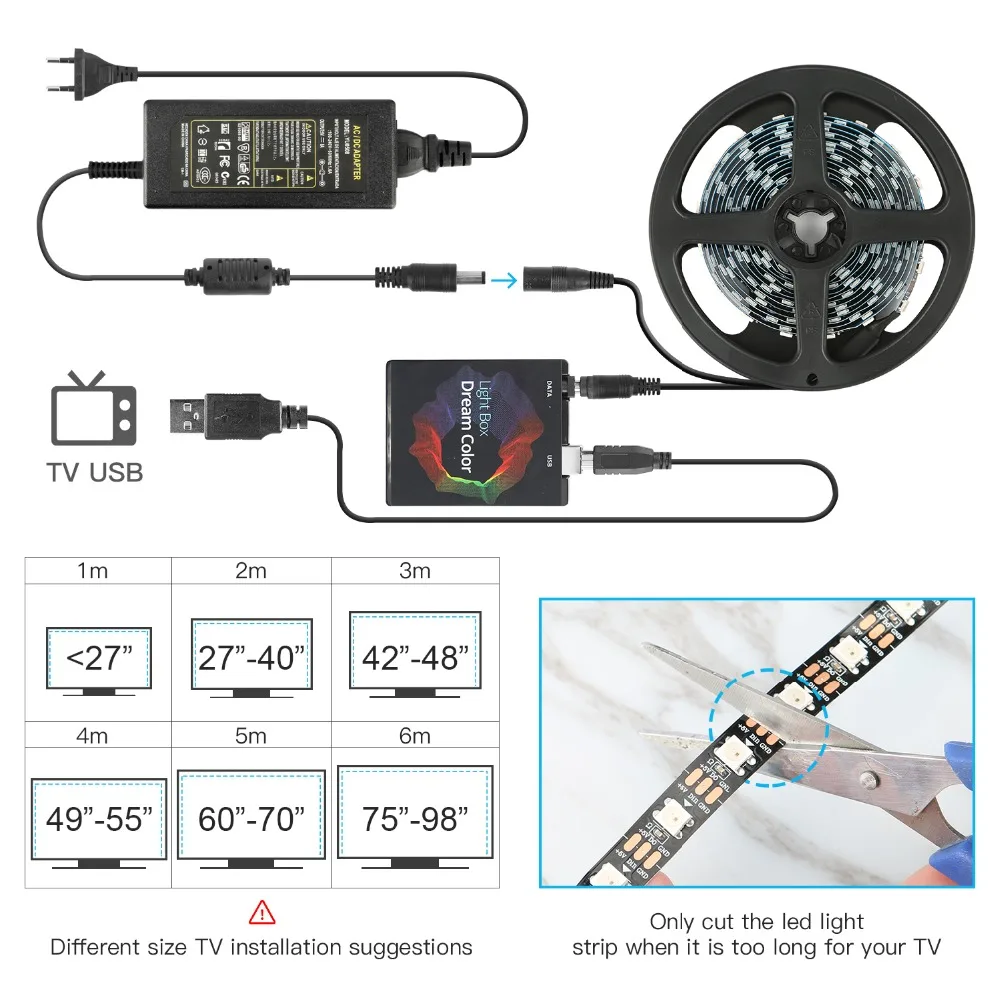
STEP 2: Setting up the Ambibox Capture Software.
- Download link: http://www.ambibox.ru/en/index.php/Main_Page
- Run the Ambibox software, it auto minimizes itself to the system tray so right click its icon and select show. Under the “Intelligent backlight display” menu select device and set this as “Adalight” Select the Port and select the COM port that your device has been detected as, if you’re unsure have a look in device manager.
NOTE:
- The USB Port should be CH340(COM*), if not have, please download the CH340 Driver: https://drive.google.com/open?id=1GS5FrjN5620I_RKJMOe5IAGNSqlke9jC
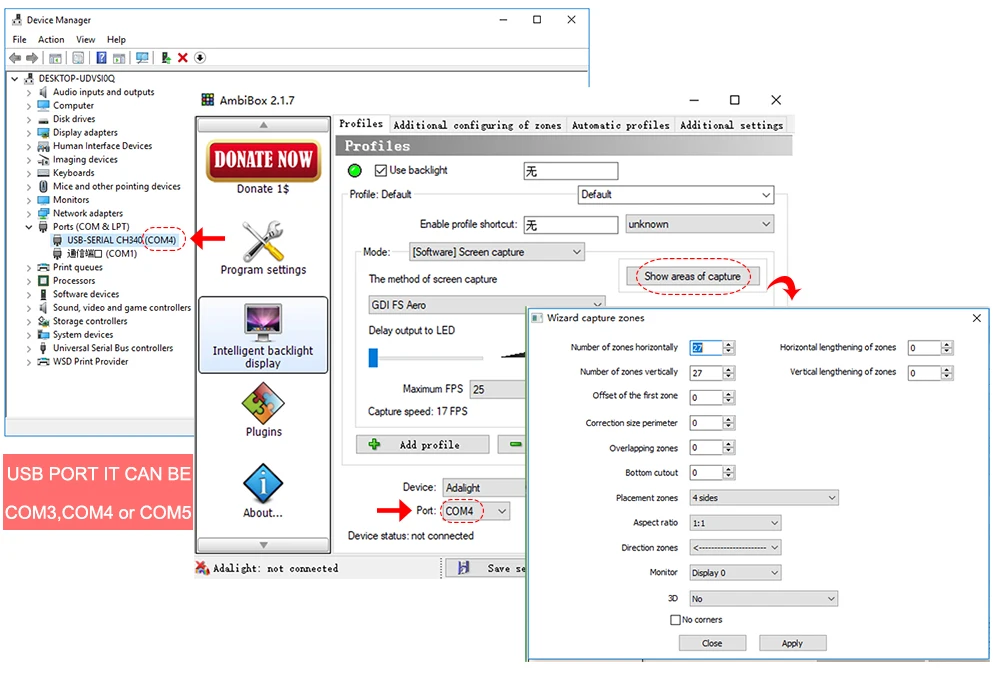
- If select correctly you should see Device Status: Connected, also down the bottom left it will say Adalight: connected.
- In here you can also select you capture method I suggest GDI FS Aero or PlayClaw. Now under number of zones select the number of IC’s you have, and it will be one IC for every LED.
- Save your settings and now you should be able to give it a test!
Instruction: Download PDF or Scan code to see more details.

TIP: If you find your colors are washing out or seem very white rather than colorful OR getting a white backlight on a pure black screen adjust your gamma settings. It will take a bit of fine tuning but worth it!


ON TV SCREEN:

NOTE:
- THE led strip only works after installation and setting. If just connect to Power&USB, it does not work!
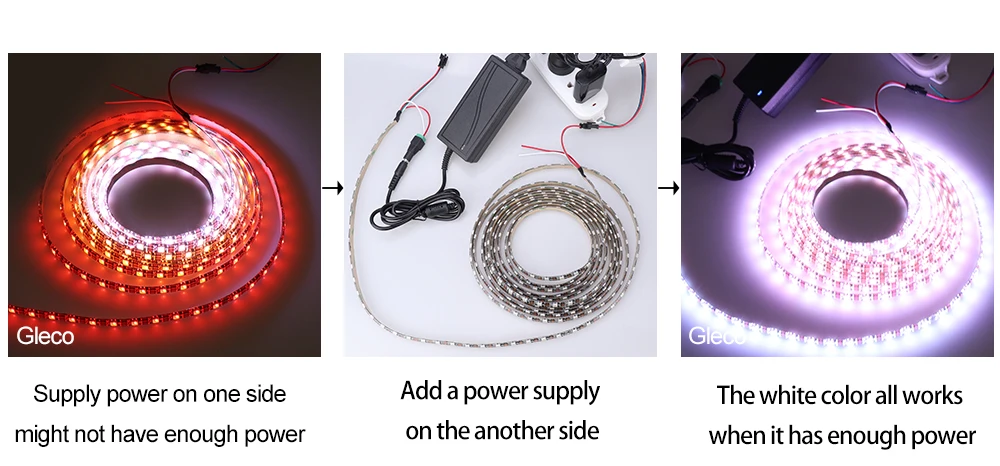
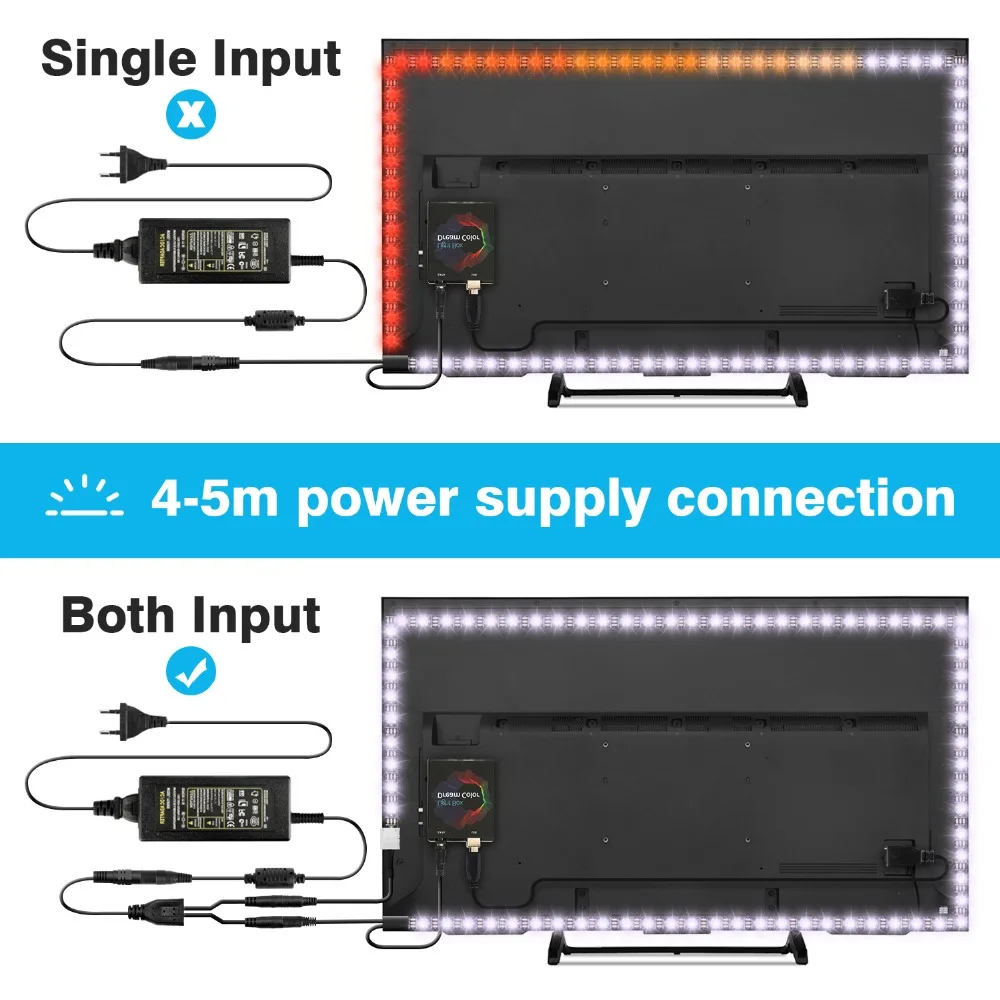
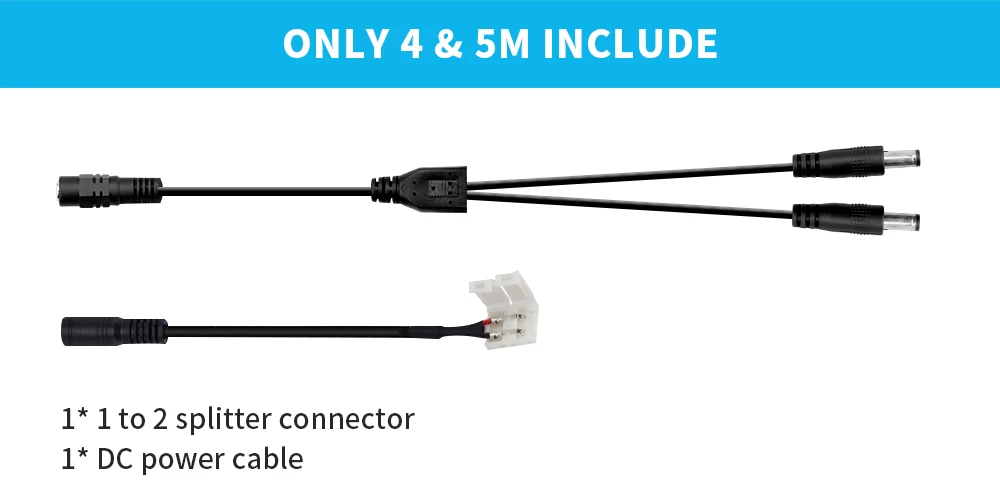
- For 4m~5m led strip kit, Supply power on one side, might not have enough power to run the white color, then you can add a power supply on the another side of the strip, the white color will all works when it get enough power.